
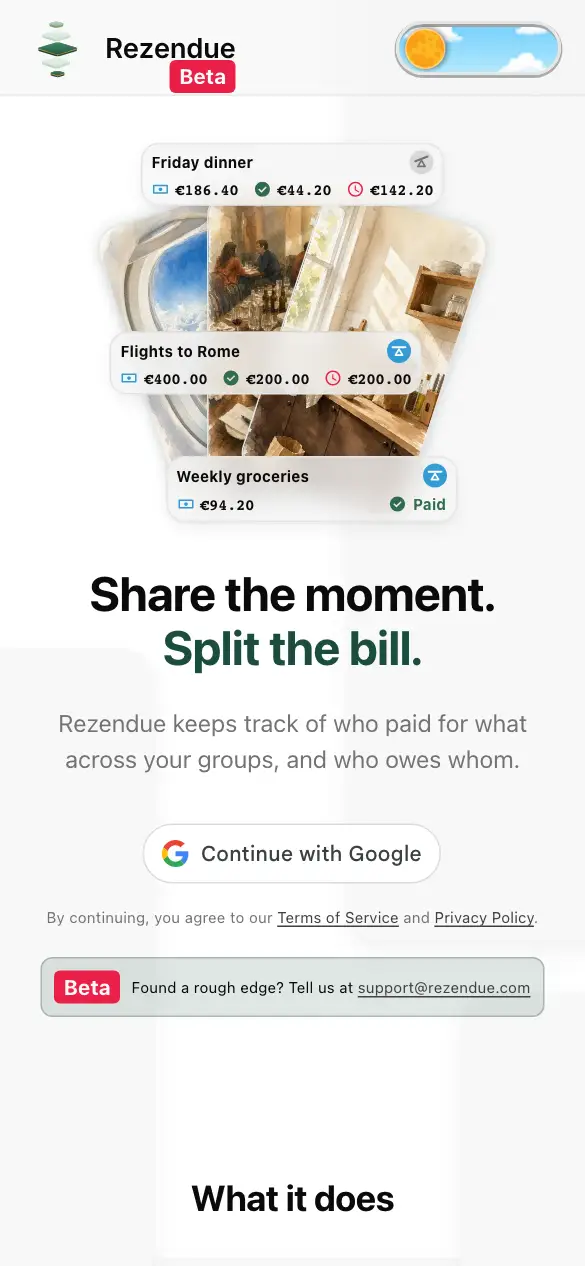
Share the moment. Split the bill.
Rezendue keeps track of who paid for what across your groups, and who owes whom.
By continuing, you agree to our Terms of Service and Privacy Policy.
Beta Found a rough edge? Tell us at support@rezendue.com



What it does
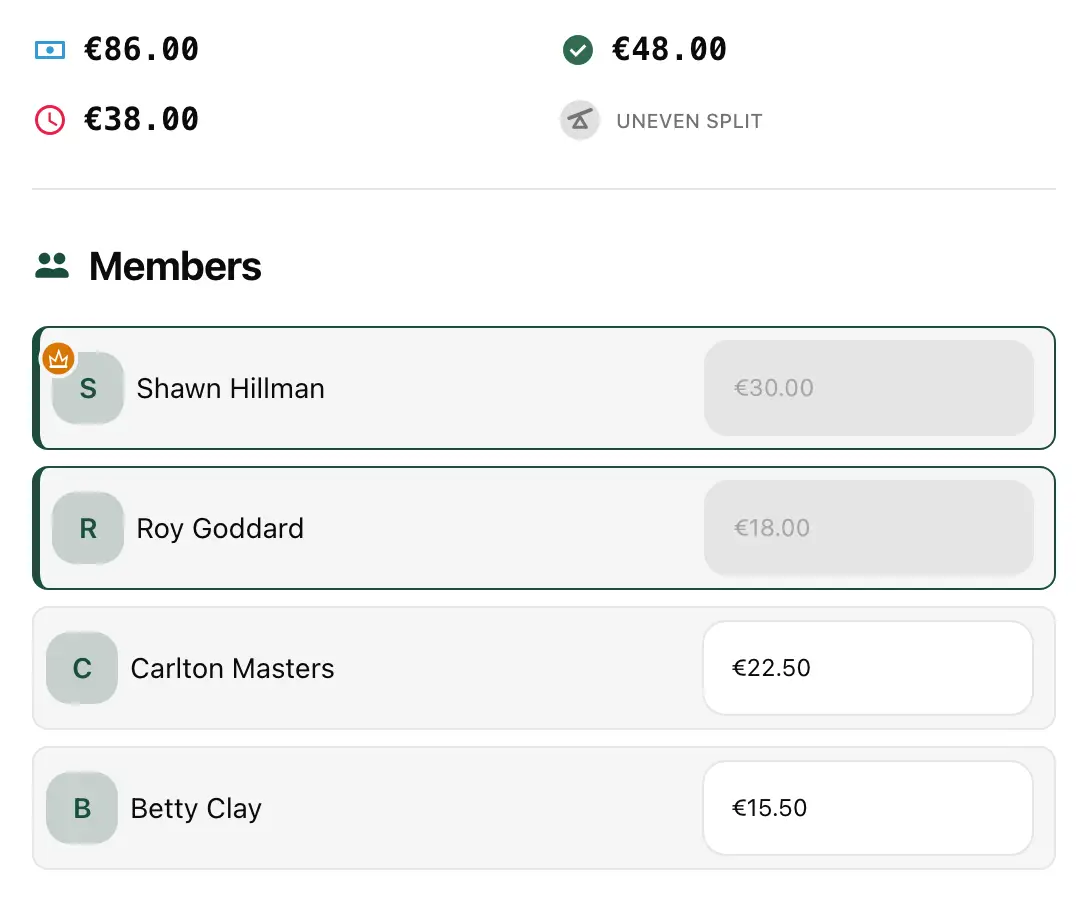
Split it the way it happened.
Split evenly, set exact amounts, or mix the two: fix one person’s share and the rest is shared between everyone else.
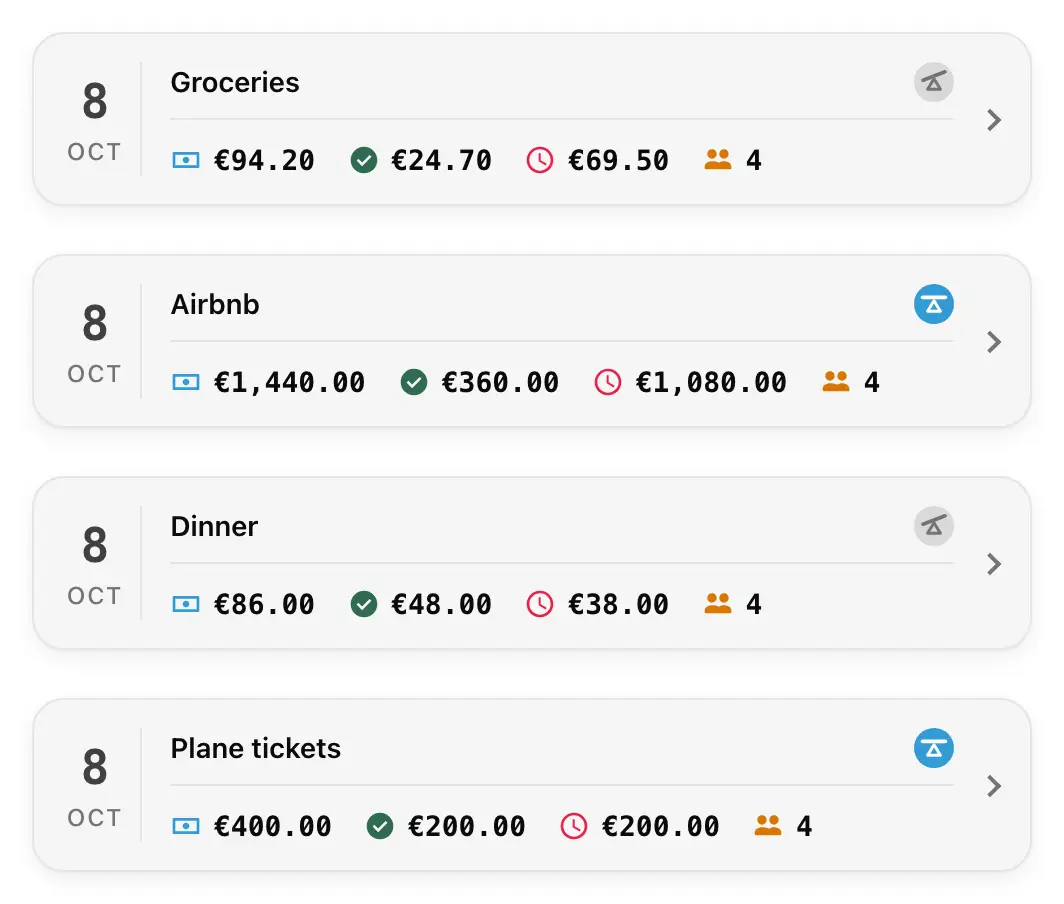
Everyone sees the same numbers.
Every bill shows the total, what’s been paid and what’s left. People mark their own share as paid, so nobody has to ask.

The receipt stays with the bill.
Add photos of the receipt, the menu or the tickets, so nobody has to dig for them later.
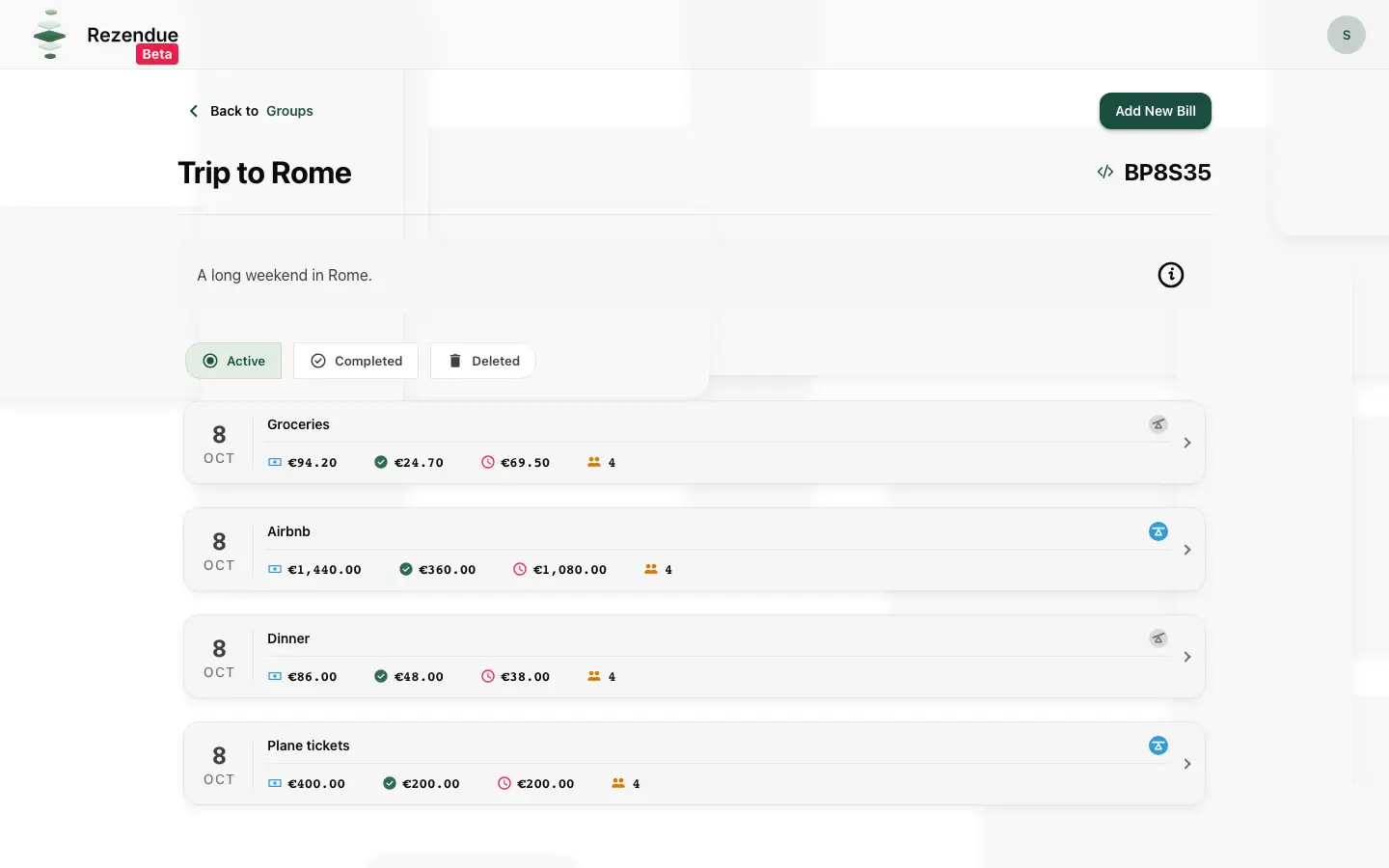
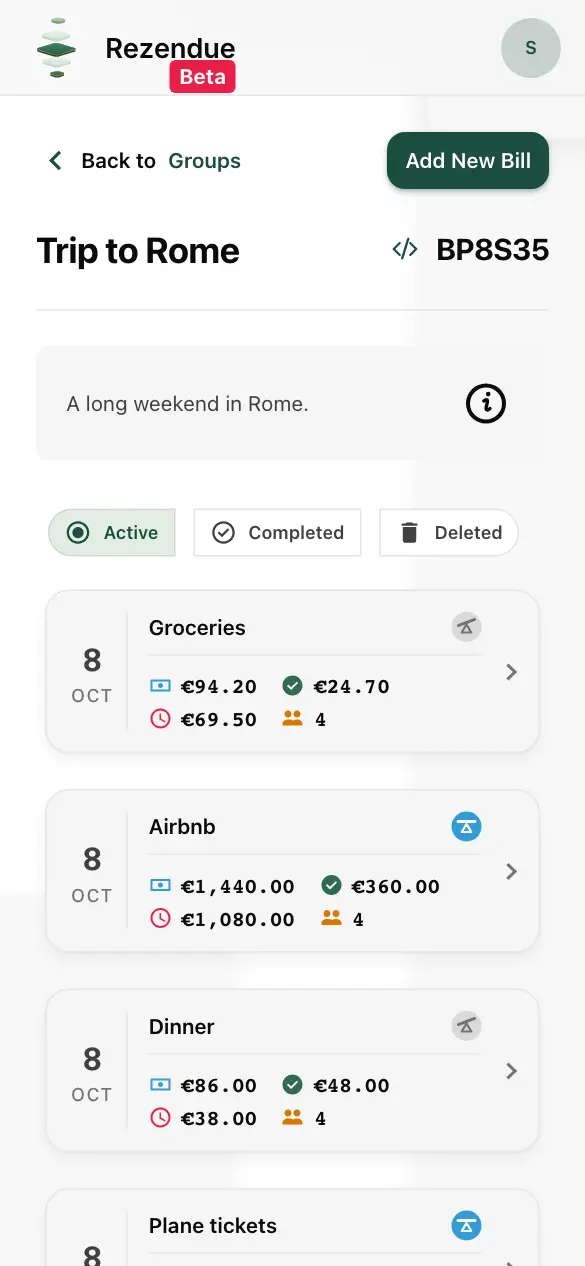
Same groups on your phone and laptop.
One account, the same groups and balances, whichever screen you reach for.
How Rezendue works
1 Sign in.
Sign in with Google and start tracking shared bills.
2 Groups home.
You land on your groups: create one, or join one with a join code.
3 Create a group.
Make a group for the people you share expenses with.
4 Know your group.
See your group’s details in one place and invite people with its join code.
5 Add a bill.
Enter what it was, how much, and who paid.
6 See who owes what.
The group balance updates immediately, so at a glance you know where the bill stands.
FAQ
Is Rezendue free?
Yes. Tracking and splitting bills is free. For now there is a limit on how many groups and bills you can create, and we intend to raise it. Optional extras may come later, but they will never lock the core features.
What do you do with my Google data?
We use your name, email and profile picture to show who’s who in your groups, and nothing else. The details are in our Privacy Policy. It is always possible to delete your account and all your personal data.
Who can see my groups and bills?
Only the people who have joined the group. Nobody else can find or open it.
Does everyone in the group need an account?
Yes. Everyone signs in with Google, which is how the group knows who is who. People join with the group’s join code.
Which currencies are supported?
Euro only, for now.
Is there a mobile app?
Not yet, but iOS and Android apps are planned. Until then, Rezendue works in your phone’s browser, and you can add it to your home screen.
What happens when I delete my account?
We delete all your personal data, including your name, email and profile picture. Bills you were part of stay intact for everyone else, with an anonymous name in your place.
Ready to stop chasing bills?
No app to install. Works in any browser, on your phone or laptop.
By continuing, you agree to our Terms of Service and Privacy Policy.
- v0.9.1Custom date when creating a bill
- v0.9.2Edit Groups
- v0.9.3Group dashboard
- v0.9.4User dashboard
- v0.9.5Page with all your bills from your groups in one place
- v0.9.6Bill option: Edit of amount or mark as paid need to be approved by the owner
- v0.9.7Add more info for the group list and bill list
- v0.9.8Dashboard to see all your bills and groups
- v0.9.9See the total money, amount paid, amount left for all bills in a group